This project was inspired firstly by my love for Tea and secondly a Dribbble shot. The use of colors and the layout seemed to cool to just pass by. But the Dribbble shot was geared more towards web design and there was only one screen.
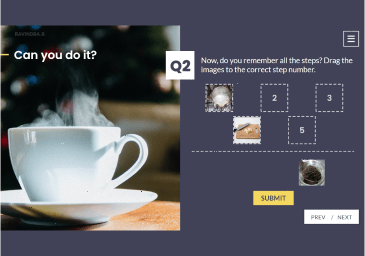
So, only a small part of the design could be used while translating into e-learning. Having been inspired by various design trends, I used a variety of layouts and animations that are hard to find in an e-learning demo.
Design and Development
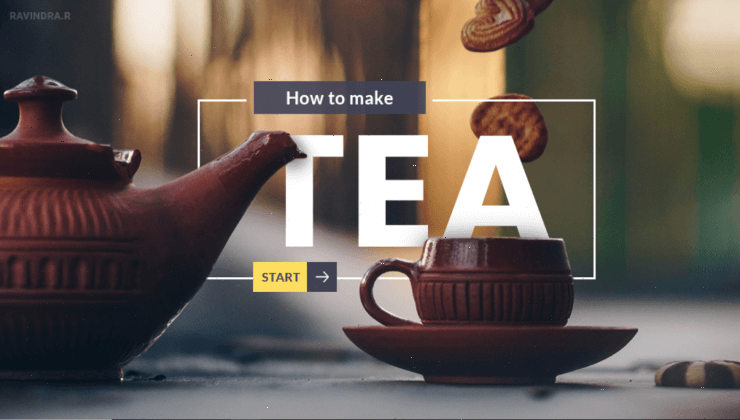
Having been inspired by the Dribbble shot, I set out to use the same design principles used in web design and implemented them in this demo. The bold headings and quotes, the cut-out images, etc. were carefully planned and laid out dynamically.
Not just the design, but the animations too were created to give a sense of flow (tea flows so should the content). The first screen uses trigger with motion paths to give movement to what would have been an otherwise static screen. The ingredients screen too uses motion paths to keep the highlight moving in sync with the audio.
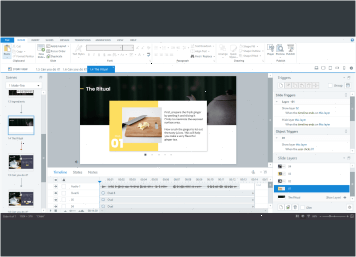
The screen showing the different steps was designed with a “pagination” which helps to navigate through the steps. This was done using multiple layers with animation and triggers to show and hide layers.